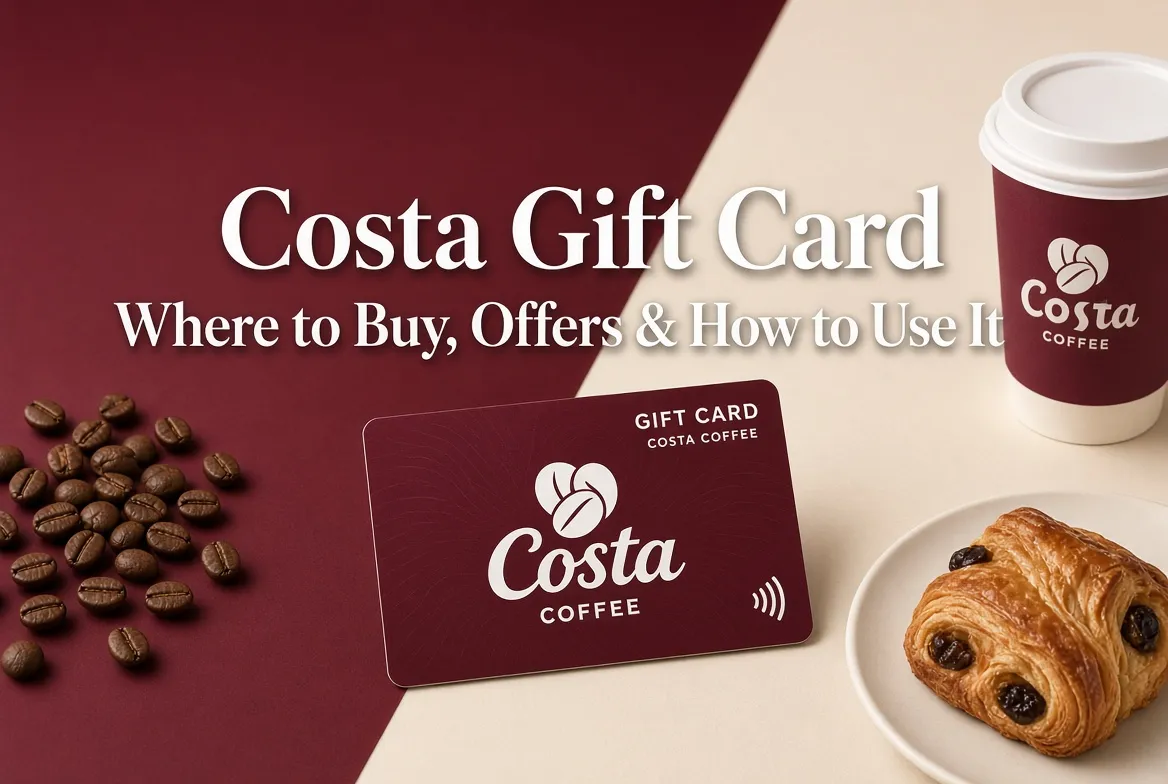
Costa Gift Card: Where to Buy, Offers & How to Use It
A Costa gift card is one of the simplest presents you can give someone who likes coffee, hot chocolate or a quick lunch on the go. You choose the amount, hand over a physical card or send a digital version, and the recipient spends it whenever they like in a Costa store. No guessing about flavours, sizes or dietary preferences. They simply pick what they want on the day.
This guide explains everything you need to know about the Costa gift card in the UK. You will find clear details on where to buy one, how to use it, how to check the remaining balance, the main rules around expiry, and the kinds of offers that sometimes appear. The aim is to answer the questions people actually search for, so you can buy or spend with confidence.
What a Costa Gift Card Actually Is
There are two main versions of the Costa gift card.
The first is a physical plastic card. These are sold in stores and online, and they arrive by post. They look and feel like a standard gift card, with a QR code on the back that staff scan at the till.
The second is a digital eGift. This is sent by email, usually within an hour of purchase. The recipient opens the email, shows the code on their phone, or prints it out if they prefer paper. Both types work in the same way once they reach the store.
Most cards start at £5 and go up to £75 per card when bought through standard channels. Some third-party sellers allow higher values, but £75 is a common upper limit on a single card. You can often buy up to five cards in one order if you need several.
The money on the card stays there until it is spent. You do not have to use the full amount in one visit. Any remaining balance carries over, provided the card is used at least once every twelve months.
Where to Buy a Costa Gift Card in the UK
You have several practical options, depending on how quickly you need the card and whether you want a physical or digital version.
Buying in a Costa store
Many Costa branches sell physical gift cards at the till. This is useful if you are already there and want something you can hand over straight away. Staff can usually load the value you choose on the spot.
High-street and supermarket options
Argos stocks Costa gift cards in many of its stores. Selected supermarkets and some convenience stores also carry them on the gift card racks. These are handy if you are already shopping and want to pick one up without ordering online.
Online purchase
You can buy both physical cards and digital eGifts through gift card websites and specialist platforms. Digital versions are popular for last-minute gifts because they arrive by email the same day. Physical cards ordered online are posted out and often come with the option to add a personal message or a greetings card.
Discount and membership routes
Blue Light Card holders, Kids Pass members and users of certain cashback apps can sometimes buy Costa gift cards below face value or with cashback. These options are worth checking if you already have one of those memberships. The discount rate and availability change, so it pays to look at the current offer before you buy.
Business and bulk orders
Companies that want to give Costa gift cards as staff rewards or customer gifts can order larger quantities through corporate channels. These often allow higher total values and sometimes come with better terms for bigger spends.
When choosing where to buy, think about speed, whether you need a physical card, and whether a discount is available. Digital eGifts win for speed. Physical cards work better when you want something tangible to wrap or hand over in person.
How to Use a Costa Gift Card
Using the card is simple once you are in a participating store.
For a physical card, give it to the barista or hold it ready at the till. They scan the QR code on the back. For a digital eGift, open the email or app on your phone and show the code, or print it out beforehand if you prefer not to use your screen.
The system takes the cost of your order from the remaining balance. If your total is higher than the amount left on the card, you can pay the difference with cash or a bank card. No cash change is given if you spend less than the full balance. The leftover amount simply stays on the card for next time.
You can use the card for almost anything sold in a staffed Costa store. That includes hot and cold drinks, food, cakes, sandwiches and some merchandise. You cannot use it to buy another gift card or voucher.
A few important limits apply:
– Accepted in participating Costa stores in England, Scotland and Wales
– Not accepted in Northern Ireland
– Cannot be used at Costa Express self-service machines
– Maximum of five Costa gift cards in one transaction in most cases
These rules are the same for both physical and digital cards.
How to Check the Balance on a Costa Gift Card
There are two reliable ways to find out how much is left.
The quickest method in many cases is to ask in store. Hand the card (or show the digital code) to a member of staff and they can scan it and tell you the remaining amount.
You can also check online. Enter the card number into the balance checker. The current value appears on screen. This is useful if you received the card as a gift and want to know the balance before you visit a store.
It is worth checking the balance soon after you receive a card, especially if it was a present. That way you know exactly what you have to spend and can plan accordingly.
Offers, Discounts and Extra Value
Costa sometimes runs short-term promotions that give you extra credit when you buy a gift card. Past examples have included bonus amounts on cards of £20, £40 or £60 during certain periods. These offers are not always available, but they appear from time to time around holidays or special campaigns.
Discount platforms and membership schemes also provide value. Blue Light Card, Kids Pass and similar services regularly list Costa gift cards at a reduced rate. Cashback apps can return a percentage of the purchase price. If you already hold one of these memberships, it is worth checking the current deal before paying full price.
For business buyers, bulk orders sometimes come with better terms once you reach a certain spend. It is worth asking about this if you are ordering for a team or client gifts.
Important Rules Around Expiry and Use
The main rule to remember is the twelve-month inactivity period. If the card is not used to make a purchase for twelve consecutive months, the remaining balance expires. Using the card even once resets that clock.
Lost or stolen cards are treated like cash. Report the loss as soon as possible, but replacement is not always guaranteed. Keep physical cards safe and store digital codes carefully.
You cannot exchange the card for cash or get a refund on the original purchase in most cases. The value has to be spent in store on eligible items.
Practical Tips for Buyers and Users
– Choose a digital eGift when you need something that arrives the same day.
– Add a short personal message if you are giving the card as a present. It makes the gift feel more considered.
– Check the balance soon after receiving a card so you know what you have.
– If you have a small remaining balance, use it sooner rather than later to avoid the twelve-month inactivity rule.
– For larger amounts or business use, look at bulk and corporate options.
– Remember that Costa Express machines do not accept the gift card. You need a staffed store.
A Costa gift card works well for birthdays, thank-yous, staff rewards and simple treats. It gives the recipient freedom to choose exactly what they want, when they want it, without the giver having to second-guess their preferences.
Whether you are buying one for someone else or planning to spend a card you have received, the process is straightforward once you know the main rules. Check the balance, take it to a participating store in England, Scotland or Wales, and enjoy the coffee, food or treat of your choice.